

Public
Search and Browse
Search and categories get you to what you need fast.
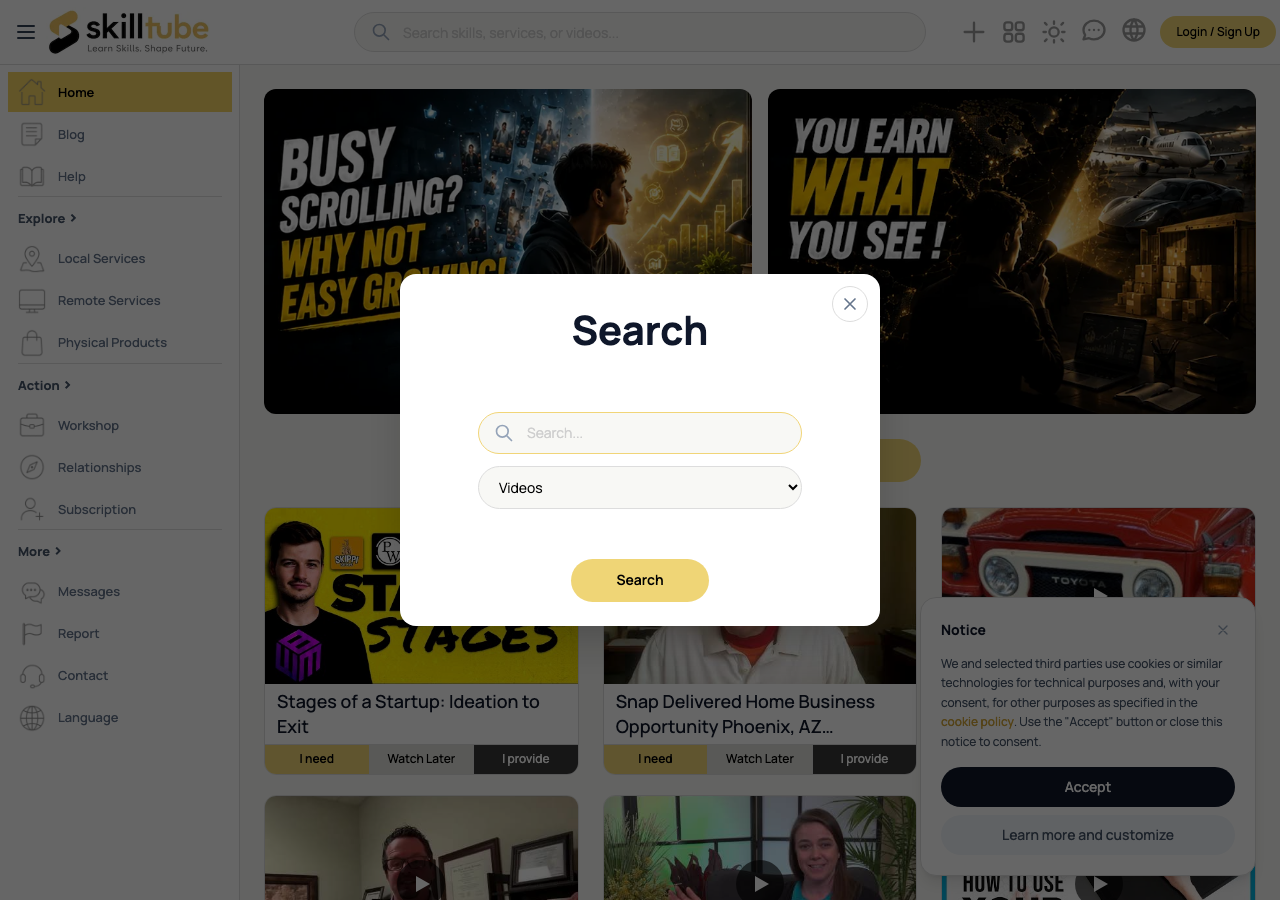
Search from Any Page
- Click the search box at the top of any page.
- In the Search panel, type your keywords and pick a kind: Videos, Services, Products, Shops or Articles.
- Click Search — results appear inside the panel with paging; click a result to open it.
Browse by Category
- Use the sidebar to open a branch: Local Services, Remote Services or Physical Products.
- Each branch opens a listing page with its category tree — drill down from broad topics to specific ones.
- Open Browse Videos to see the video library.
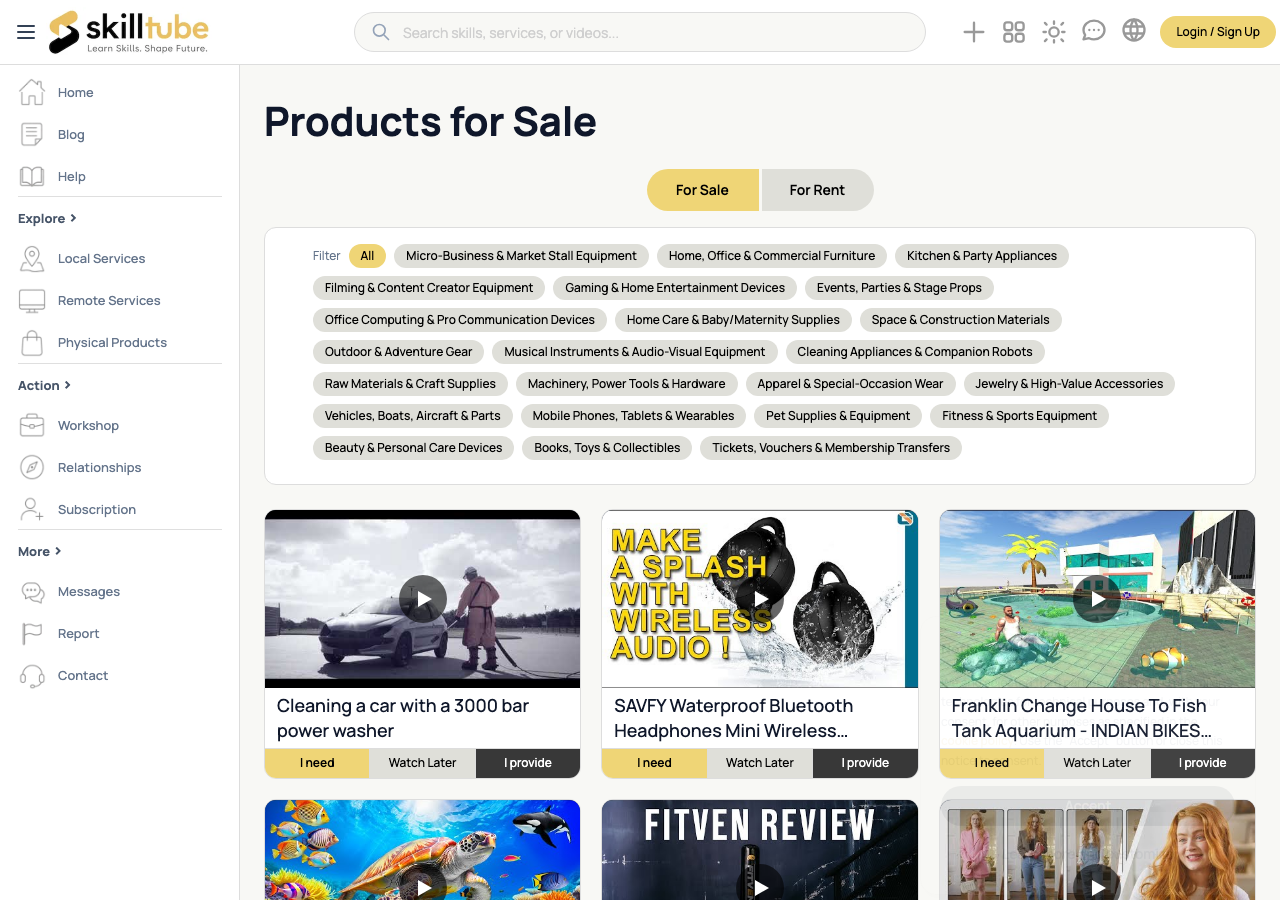
Filter Videos
On the videos page:
| Filter | What it does |
|---|---|
| Purpose | For Sale / For Rent tabs |
| Category | Main category chips plus a sub-category row |
Services and Products
- Service listings show whether they are local or remote.
- Products show For Sale or For Rent — rentals add a deposit line.
- Each listing card opens a detail page with the full description, price and seller.
Can't Find It?
- Post a request or make a wish and let providers come to you.
- Check the Getting Started guide for the basics.
- If you find inappropriate content, learn how to Report it.
🔍 Tip: Categories mirror how shops are organized — if you know the topic, drill two or three levels down and you will find it.
Need help with this page?
Open the Report page to file a report or a support ticket — appeals are handled through the same form.